


Author
Harley Sugarman
Published on
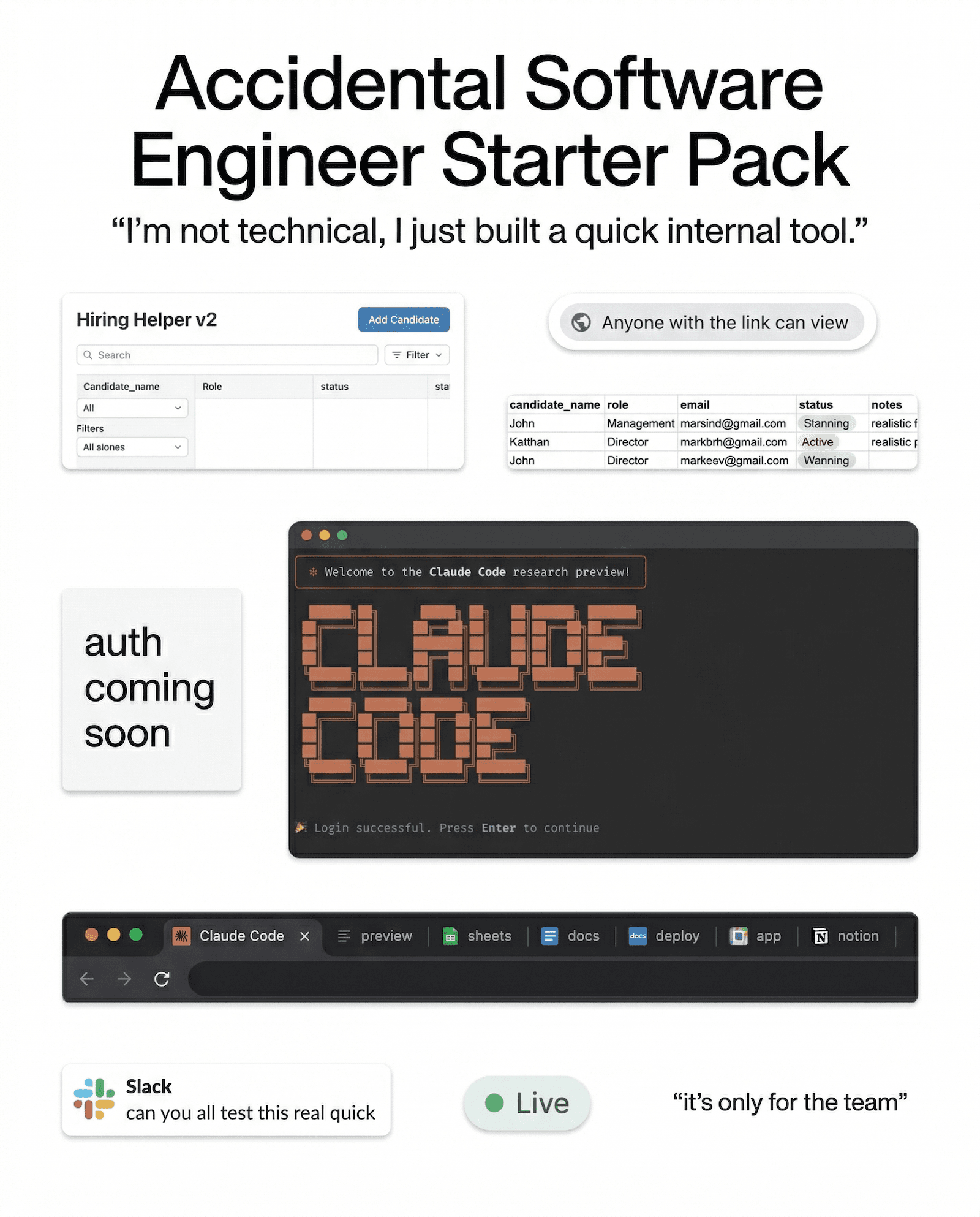
A couple of weeks ago at RSA, someone told me about an employee at their company who built an internal hiring tool with an LLM.
There was no engineering ticket. IT never reviewed it. Security didn’t sign off either. They simply had a problem, a ChatGPT account, and a free afternoon.
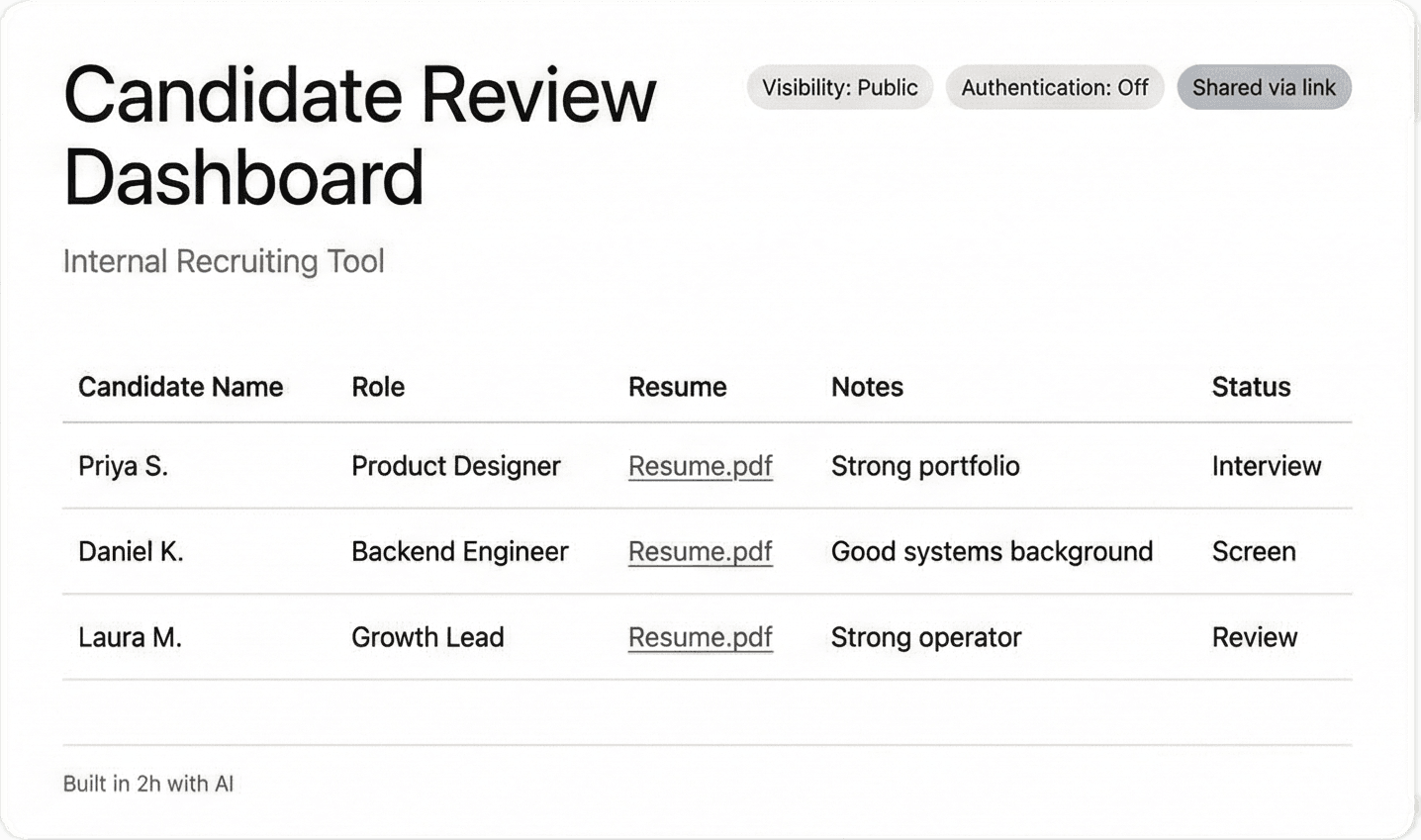
The tool worked. It pulled in applicant data, organized it, and made the team’s life easier.
It also lived on a public URL with no authentication.
What stuck with me was how ordinary this sounded. Nobody was trying to create a security incident. Someone found a faster way to solve a problem, used the tools sitting right in front of them, and created an exposure without realizing it.
And it wasn’t one weird story. I heard versions of it several more times over the course of RSA. Internal dashboards. QA helpers. Workflow tools. Fast builds touching critical company data, with nobody in IT or security aware they existed.
That should make more people uncomfortable than it does.
What changed
A few years ago, building an internal tool usually meant filing a request, waiting for engineering, and hoping it didn’t disappear into a backlog.
That friction wasn’t something anyone designed on purpose. It was a byproduct of the fact that non-technical employees usually couldn’t build things on their own.
Now they can.
Claude Code, Codex, Copilot, and a growing pile of no-code tools have removed that friction entirely. An employee can have something functional running before lunch. Something that handles critical data, sits on the internet, and makes decisions about permissions and access that used to belong to people who understood what those decisions meant.
The person building it usually doesn’t think of themselves as making security decisions.
They think they’re fixing a workflow.
That gap is where the exposure happens.
The old version of shadow IT was someone moving company data into a tool IT didn’t know about.
The newer version is someone building an application that touches company data and has weak or nonexistent access controls because they were trying to solve a problem, and not think through auth, storage, or permissions.
That’s a much bigger change than most programs account for.
A lot of security policies still treat AI like a chatbot problem. Did someone paste something sensitive into ChatGPT? That matters.
But it’s a narrower problem than the one companies have.
Employees aren’t only asking AI questions anymore.
They’re building things with it.
Why the usual training response falls short
The default answer here is pretty predictable. Add a module. Add a policy reminder. Add a quiz question about public URLs or sensitive data handling.
I get the instinct. I just don’t think it does much.
Annual training already asks people to remember a rule months later, while they’re busy, under pressure, and trying to get something done. That was always a weak model for behavior change.
Most employees do not stop halfway through a task and think, let me mentally retrieve slide 14 from the awareness training I took in February.
Usually they’re doing one of three things:
They forgot the rule.
They can’t find the rule.
They don’t realize the thing they’re building falls under the rule.
The person who built that hiring tool probably knew applicant data should be protected. The rule existed. The training had probably covered it in some form.
What wasn’t there was anything connecting that rule to the exact decision they were making on that specific afternoon, in a tool that didn’t feel like a security context at all.
Training can explain that risk in theory.
Theory is not where this goes wrong.
What actually has to change
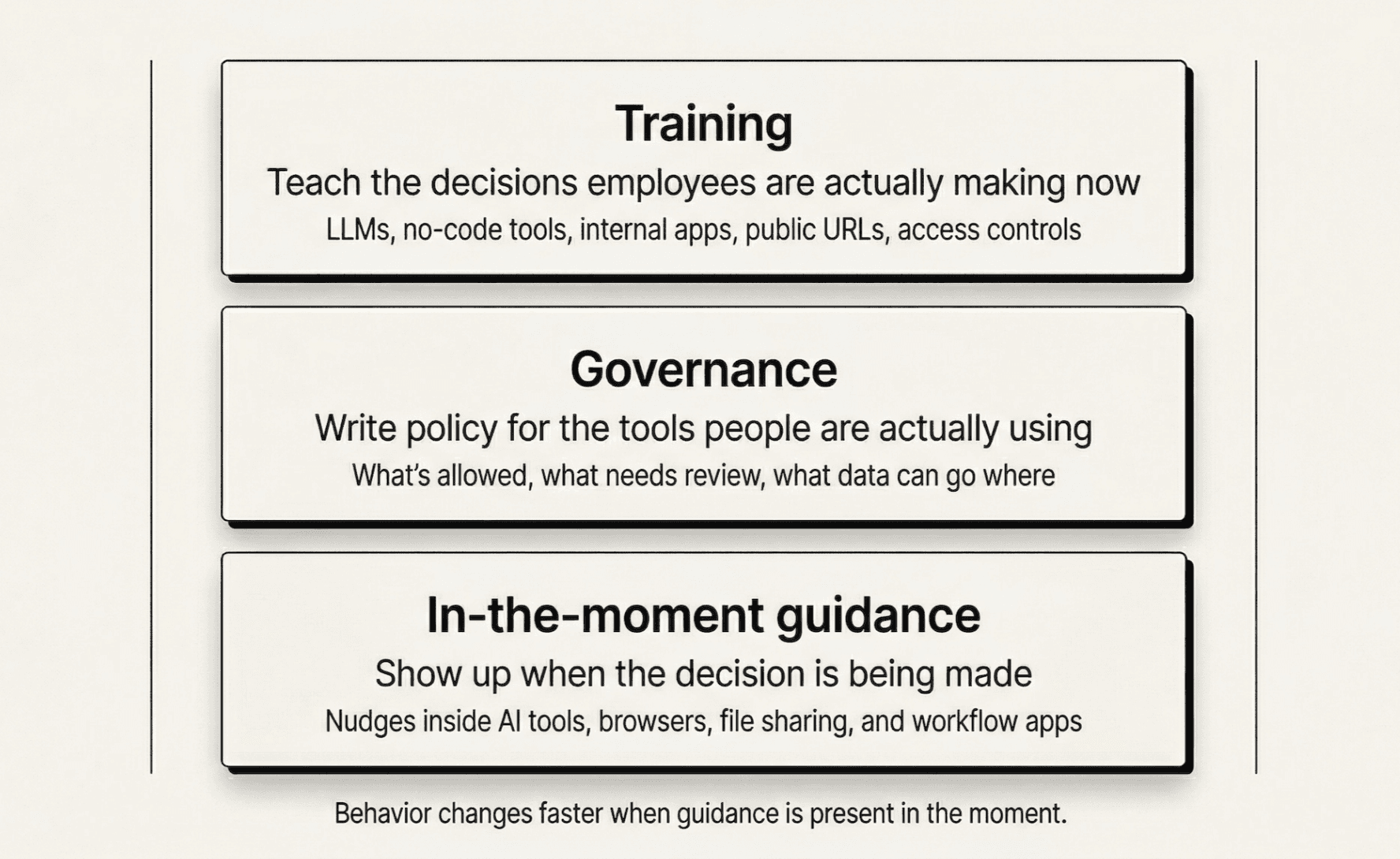
The training itself has to catch up to the decisions employees are making now.
A lot of awareness programs are still built around phishing emails, credentials, attachments, and obvious social engineering scenarios. That still matters. But if your training has nothing useful to say about what someone should think about before they build a tool on top of an LLM, there’s a hole in your program.
The governance has to catch up too.
A lot of acceptable use policies were written before non-technical employees could spin up working software this easily. If your policy doesn’t say what’s allowed when someone uses AI to build something that handles company data, then you don’t really have a policy for this. You have a blank space and a lot of optimism.
The big one - you need guidance in the moment the work is happening.
That’s the layer most programs are missing.
The best time to help someone make a better decision is not six months earlier in a training module. It’s when they’re about to paste financial data into an LLM, deploy something without thinking through access controls, or share something more broadly than they intended.
Training fades. Policies get buried.
A well-timed warning inside the workflow has a much better shot.
That’s a big part of why we built Anagram Agent. Guidance is more useful when it shows up while someone is making the decision, not long after.
If someone is about to expose sensitive data in an AI workflow, a nudge right there does more for behavior change than a module they barely remember taking six months ago.
The real issue
The hiring tool story has stayed with me because it wasn’t really a phishing story or a malware story.
It was a judgment story.
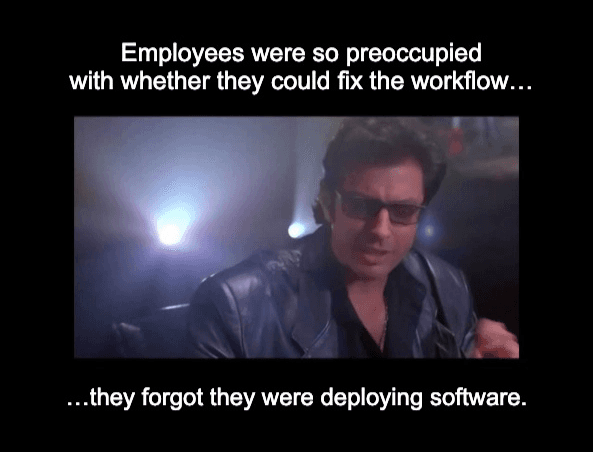
An employee had more capability than they used to have, used it to solve a real problem, and nothing in their environment helped them understand what they’d accidentally exposed in the process.
This is the gap that’s growing.
The security teams that are navigating this well are rebuilding their programs around the decisions employees are actually making now, not the threat model from five years ago.
That means training that reflects the decisions people face now.
It means governance written for the tools employees are using.
And it means being present when the decision is being made.
That’s the problem worth building for.
If you want to see how we solve it, book a demo.




© 2026 Enigma Analytics, Inc.
All rights reserved.